
XLIFF and XCLOC editing
Open and edit localization files used by Xcode projects.
Parussoft · Independent software
Keep XLIFF and XCLOC localization work close to Xcode.
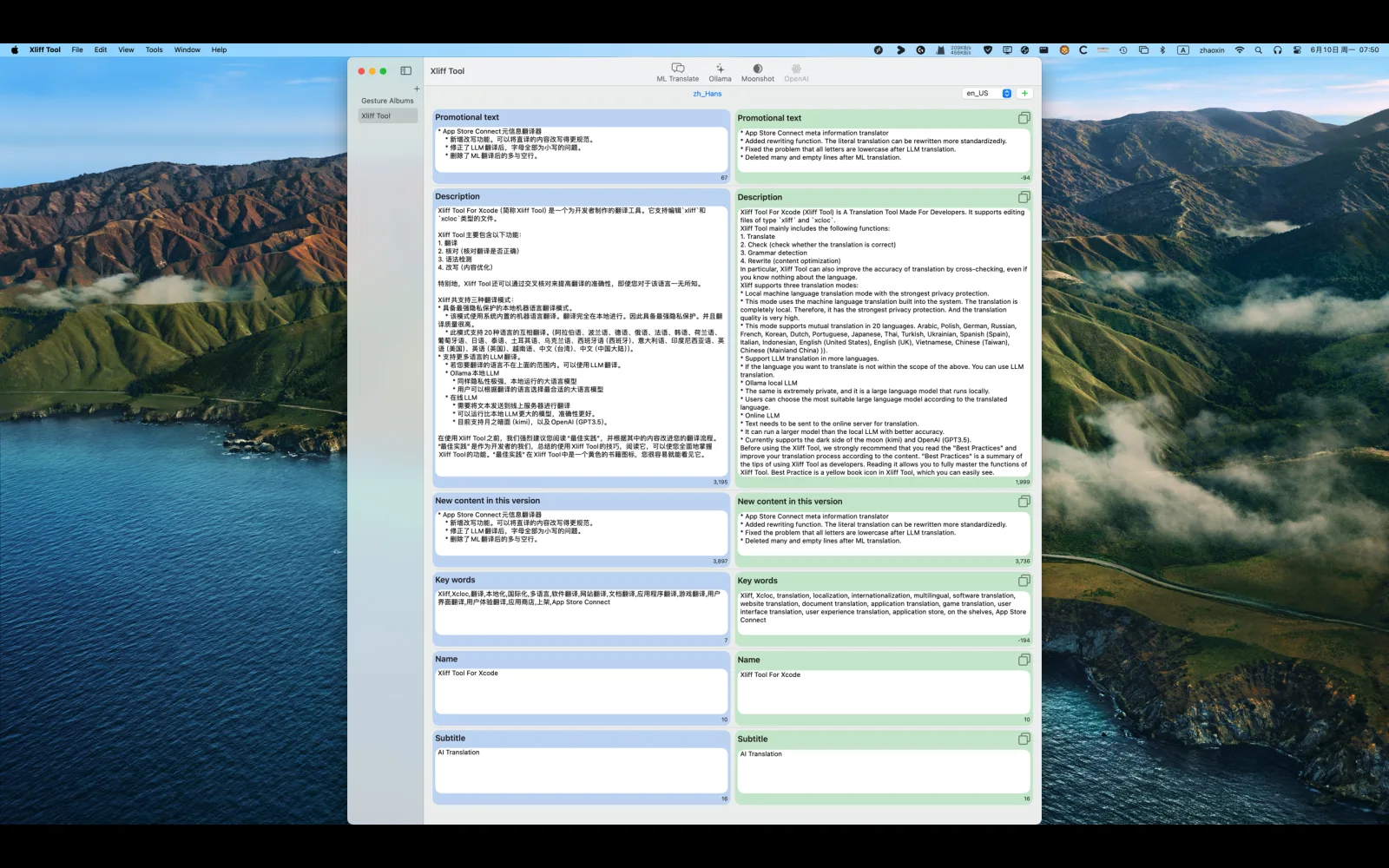
Xliff Tool For Xcode brings translation units, pending strings, comments, and your chosen language-model services into one focused Apple-platform workflow.
Open XLIFF and Xcode localization catalog files, move through untranslated or unconfirmed units, and review the surrounding context without switching between unrelated tools.
Core features
Open and edit localization files used by Xcode projects.
Move clearly through untranslated and unconfirmed units.
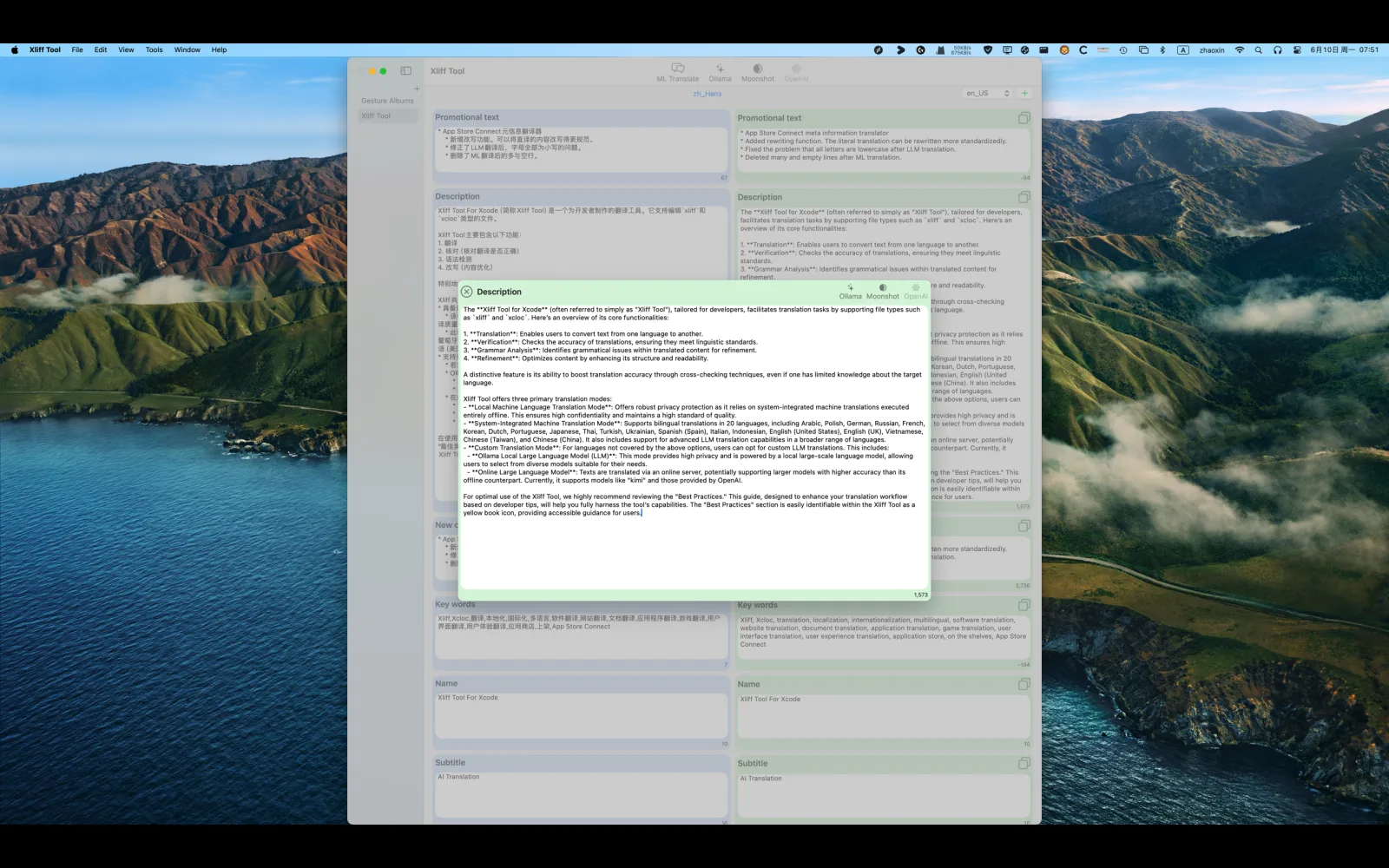
Translate and verify strings with the local or online language-model services you configure.
Connect a local Ollama server when you prefer a local model workflow.
On macOS, inspect nearby source code for an XCLOC string, open its location in Xcode, and optionally use that context for translation and verification.
Review comments and annotations beside the translation units they describe.
Product in use
About the developer
I’m Owen Zhao, the independent developer behind Parussoft. I build focused, practical software for Apple platforms and the web, starting from real needs and refining it through everyday use and user feedback.
Read the full introduction