
Latency over time
Check selected URLs and follow how their response time changes instead of relying on a single test.
Parussoft · Independent software
Keep the connections and web tools you rely on in one Mac workspace.
Internet Helper watches the URLs that matter, records how their latency changes, and keeps the scripts, router pages, and remote tools you use close at hand.
Instead of switching between a latency tool, a collection of browser tabs, and separate scripts, keep them together and arrange them around the places or workflows where you use them.
Core features
Check selected URLs and follow how their response time changes instead of relying on a single test.
Run your own script when a remote service fails or a local network request times out.
Keep router pages, download controls, and other frequently used web tools inside the same workspace.
Organize scripts and tabs for different locations, networks, or working routines.
See the connection information you need without opening another utility.
Keep settings, scripts, and tabs aligned between your Macs through iCloud.
Product in use
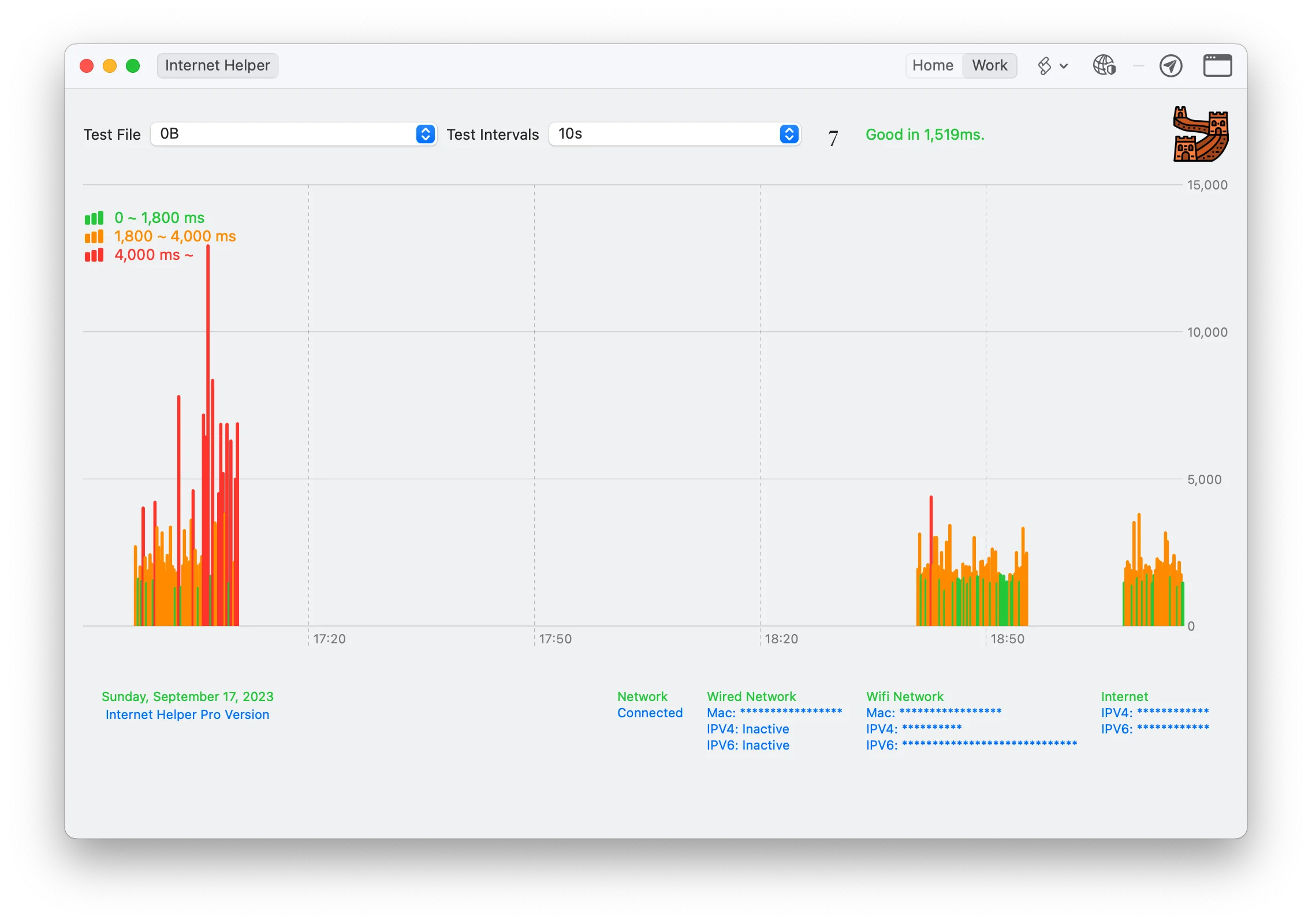
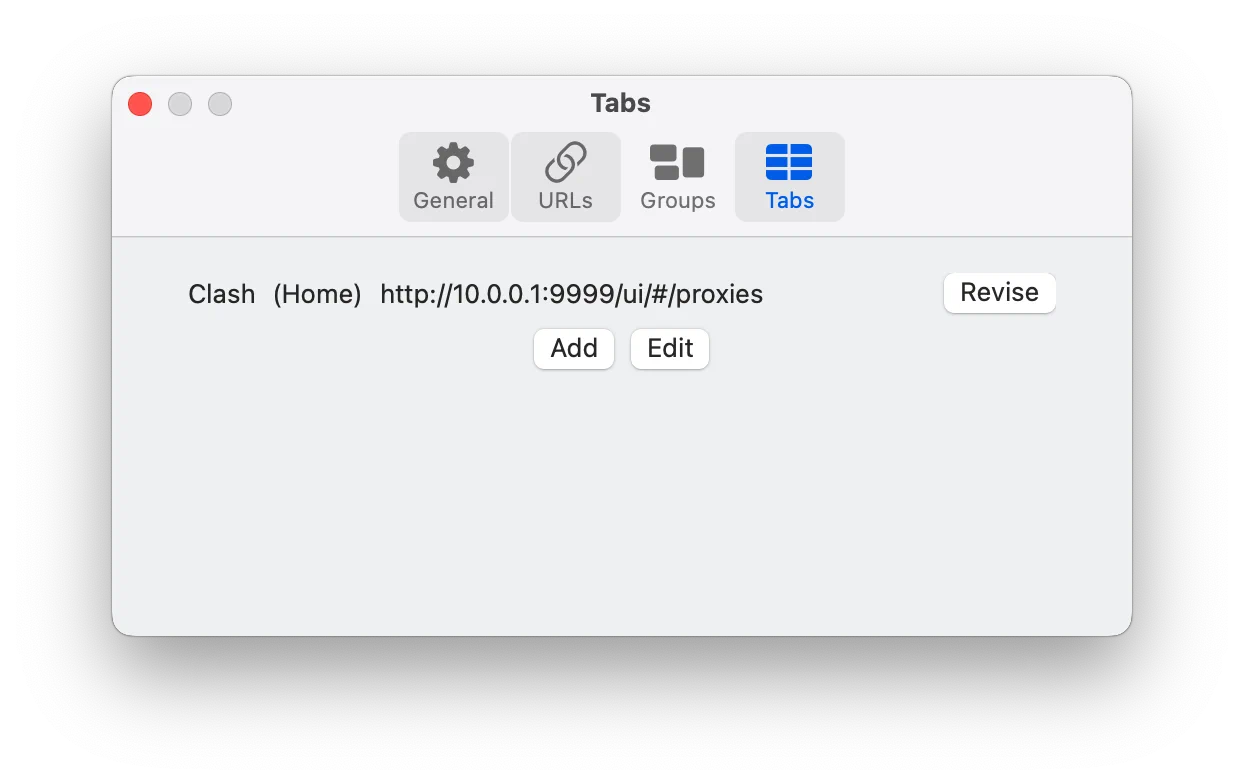
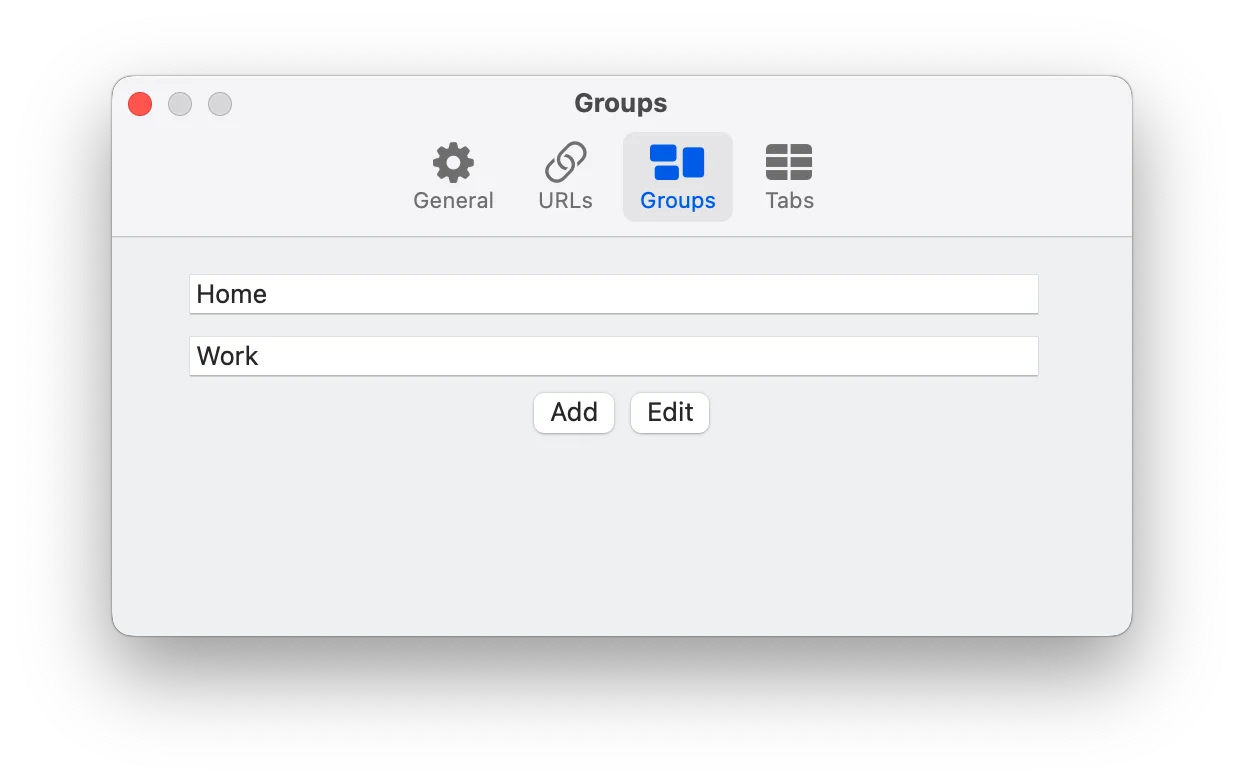
Keep the connections and web tools you rely on in one Mac workspace.
About the developer
I’m Owen Zhao, the independent developer behind Parussoft. I build focused, practical software for Apple platforms and the web, starting from real needs and refining it through everyday use and user feedback.
Read the full introduction